 Job Prosperity
GUIDE
Gmail labels for a job search: a simple system that stays useful
Use a few action-based labels to separate recruiting signal from inbox noise, then connect important messages to your application workflow.
Gmail labels can make a job search calmer, but only if the system remains smaller than the work it organizes. A label for every company, stage, and message type creates a second application database inside your inbox. A better approach uses a handful of labels for communication state and keeps opportunity state in your tracker.
The workflow below works manually and does not require mailbox integration. If you choose the optional Job Prosperity Gmail connection, it uses read-only access and keeps relevant messages available for review. It does not send messages or decide recipients.
Create four functional labels
| Label | Use it when | Remove it when |
|---|---|---|
| Job Search / Action | You need to reply, provide material, or make a decision. | The action is complete or recorded elsewhere. |
| Job Search / Interview | A message contains confirmed interview logistics. | The interview cycle is complete. |
| Job Search / Waiting | You are waiting on an open recruiting conversation. | You receive a reply, follow up, or archive the role. |
| Job Search / Reference | The message contains useful information but no action. | The opportunity closes and retention is unnecessary. |
Nesting the labels under “Job Search” keeps the sidebar tidy. Color can help distinguish action from reference, but do not depend on color alone. The names should explain the workflow, and every action message should eventually leave the action label.
Use filters for obvious sources, not final decisions
Gmail filters are helpful for predictable messages such as application receipts from a known address or scheduling notifications from a platform. Apply a reference label or category, but be cautious about automatically marking recruiting mail as read or moving it away from the inbox. Sender patterns change, and an important human reply may share infrastructure with routine notifications.
Test each filter against existing mail before enabling it. Prefer narrow criteria based on a known sender and stable subject phrase. Review the results during the first week. Automation should reduce repetitive filing, not hide communication you still need to evaluate.
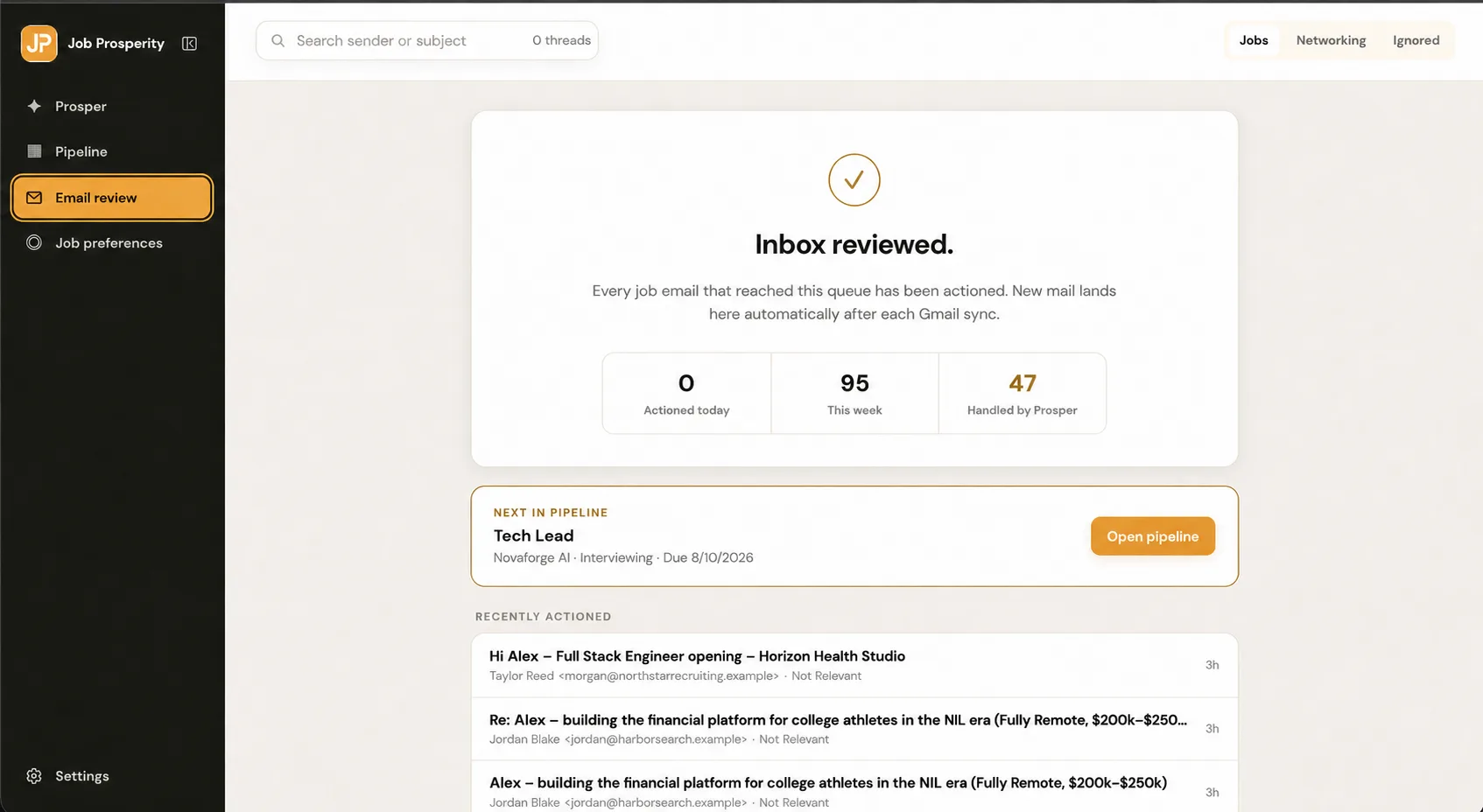
Translate email state into an opportunity action
Labels answer what the message needs; the application tracker answers where the role stands. When you process an action message, find or create the correct opportunity, verify whether its stage changed, and record one next action. A scheduling request might keep the role in conversation until an interview is confirmed.
Do not use unread status to represent unfinished work. You may read a message to understand it and still need to act tomorrow. Put the work in the action label and record the due date or review date with the opportunity. When you finish, remove the label even if you keep the message.
Process the labels in two short passes
- During a daily pass, open Job Search / Action and handle true deadlines first.
- Verify dates, time zones, links, and participants against the original message.
- Update the opportunity stage only after an observable event.
- Move completed threads to Waiting or Reference when appropriate.
- During a weekly pass, review Waiting against employer timelines.
- Archive stale labels and opportunity records when the search ends.
A daily pass should be short. If a message requires deep work, turn it into a next action rather than keeping the inbox open. The weekly pass is where you reassess silent applications and recruiting conversations. The follow-up workflow can hold the person, reason, and review date while the outbound decision remains yours.
Protect privacy and keep a source of truth
Gmail remains the source of truth for the original message. Copy only the minimum context you need into another tool, and avoid putting sensitive personal information in free-form notes. If a date matters, verify it against the invitation rather than relying on a summary or classification.
With Job Prosperity, Google sign-in and optional Gmail permission are separate. Mailbox content and authenticated career data are excluded from public pages and public analytics. Read the security overview before connecting an account, and disconnect Gmail if the integration no longer serves your workflow.
Once an interview is confirmed, the email label has done its job. Continue with the interview preparation workflow and track the role using the stage definitions in the pipeline guide. That division of labor keeps Gmail useful as communication, not as a fragile duplicate tracker.
Keep search queries as a fallback for messages that do not deserve a permanent label. Gmail operators can combine a sender, date range, and phrase from the role title when you need to reconstruct context. Save a search only when you repeat it. The goal is fast retrieval, not classifying every message forever.
When the search ends, remove obsolete filters before a future application cycle begins. Review whether labeled messages still need to be retained, export any career notes that belong in your long-term records, and delete unnecessary duplicates. This cleanup makes the next search easier and prevents old automated rules from filing new mail under assumptions that are no longer true.
If you use inbox categories or multiple accounts, document where recruiting mail should arrive. Forwarding everything into one mailbox can create privacy and access issues, while checking several inboxes can fragment attention. Choose a boundary intentionally and keep the opportunity record pointed to the original message location.