 Job Prosperity
FOLLOW-UP MANAGEMENT
Make job-search follow-ups visible without automating the relationship
Keep the person, context, intended action, and review date connected to each opportunity so promising conversations do not disappear into the inbox.
A follow-up system is not a machine for sending more messages. It is a way to make intentional decisions about open conversations. For every active opportunity, you should be able to see who last acted, what was said, and when you will review the situation again.
Job Prosperity records the next action and related context but does not autonomously draft or send follow-ups. You choose the recipient, timing, channel, and wording. That keeps outward communication under your control and avoids turning an uncertain status into an artificial deadline.
Separate a next action from a waiting date
“Follow up” is usually too vague. Specify the action and the reason: ask the recruiter whether the interview schedule is confirmed, send the requested portfolio link, or review the application after the timeline they provided. If you are simply waiting, record the date when you will reassess rather than pretending work is due.
A consistent stage system in the job application tracker supplies the broader context. A waiting application and a post-interview conversation may deserve different timing even when both need review.
Ground the decision in the conversation
Before contacting anyone, reopen the most relevant message and confirm the employer’s stated timeline. Note the person, channel, last interaction, and new information you can add. A useful follow-up respects the context; repeated check-ins without a reason rarely improve it.
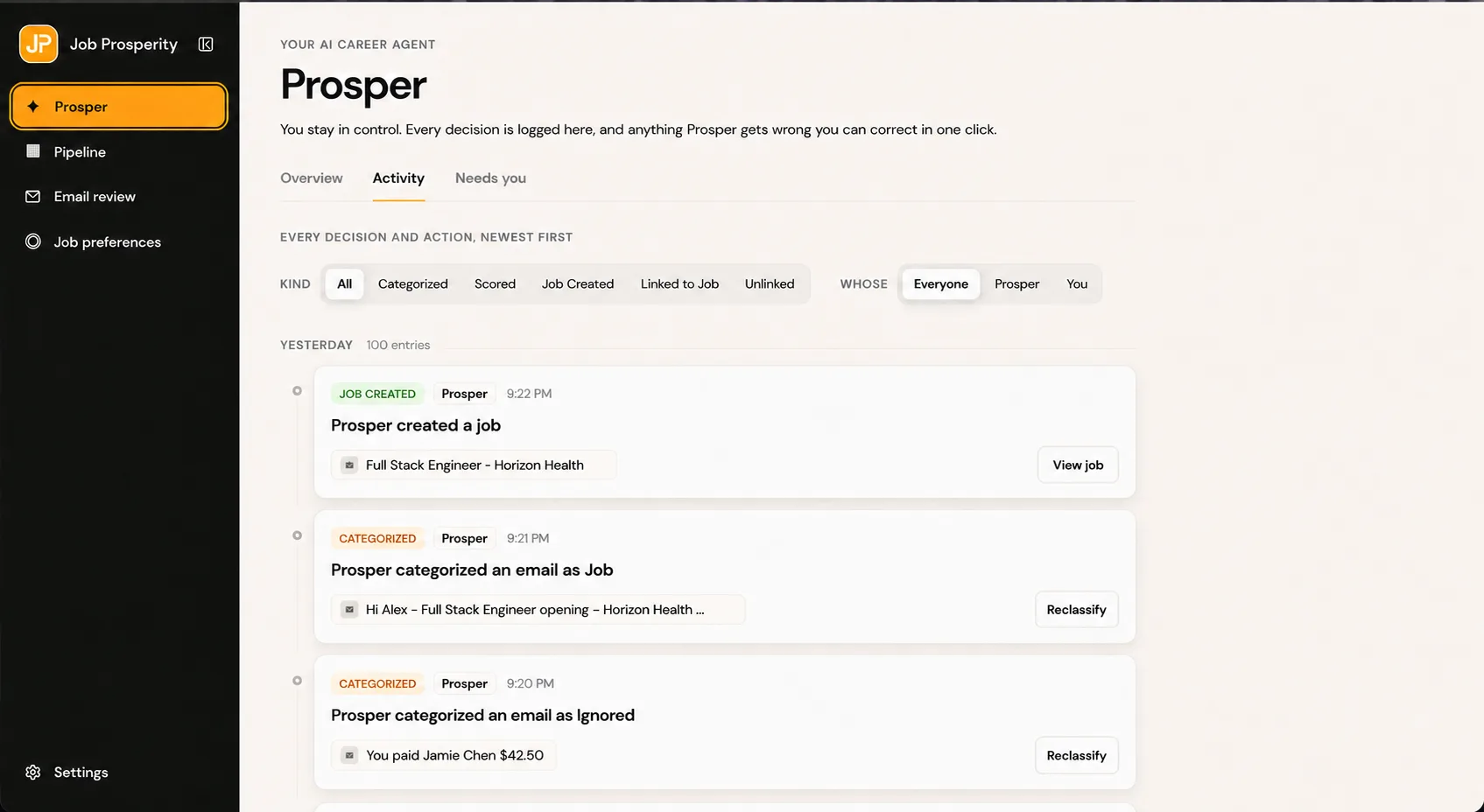
The optional Gmail job tracker helps connect recruiting mail to an opportunity for review. It does not send email or choose recipients. If you organize the inbox manually, the guide to Gmail labels for job search offers a simple waiting label and review routine.
Run a short follow-up review
Once or twice a week, filter active opportunities by missing or reached review dates. For each one, choose among four outcomes: act now, set a later review date, update the stage, or archive it. This keeps stale roles from occupying the same attention as interviews and live conversations.
Do not use a universal follow-up interval. Employer timelines, seniority, recruiting channel, and stage all matter. The guide on tracking applications explains how to make these review decisions part of a sustainable weekly routine.
Keep private context concise and useful
Notes should help your future self understand the next decision. Capture commitments, questions, and relevant facts; avoid speculative or unnecessary sensitive information. AI-assisted changes should be reviewed and corrected when needed, and your outbound message remains your responsibility.
Authenticated career data is separated from public pages, and mailbox content is excluded from public analytics. Read the security and privacy overview to understand the access model before connecting Gmail or adding detailed notes.
When several people are involved, distinguish the contact who owns the process from interviewers or referrals who supplied context. Record only a professional channel you already received through the recruiting process. A single deliberate follow-up is easier to reason about than duplicate tasks attached to every person, and it reduces the risk of contacting the wrong participant with the wrong context.
Close completed tasks instead of repeatedly moving their dates forward. If you decide not to contact the employer, record that decision and choose a later review or archive the role. A truthful empty queue is more useful than a crowded list of intentions you no longer support.
Frequently asked questions
When should I follow up on an application?
Use the timeline provided by the employer when one exists. Otherwise, choose a reasonable review date based on the stage and avoid treating repeated contact as a substitute for new information.
Does Job Prosperity write or send follow-ups?
No. You decide what to write, who receives it, and whether to send it. The tracker helps keep the intended action and relevant context visible.
What should a follow-up note contain?
Record the person, channel, reason for contacting them, and the date you plan to review the opportunity again.
How can I tell when an opportunity is stalled?
Define a review date for every waiting stage. When it arrives, decide whether to follow up, extend the date, or archive the opportunity.